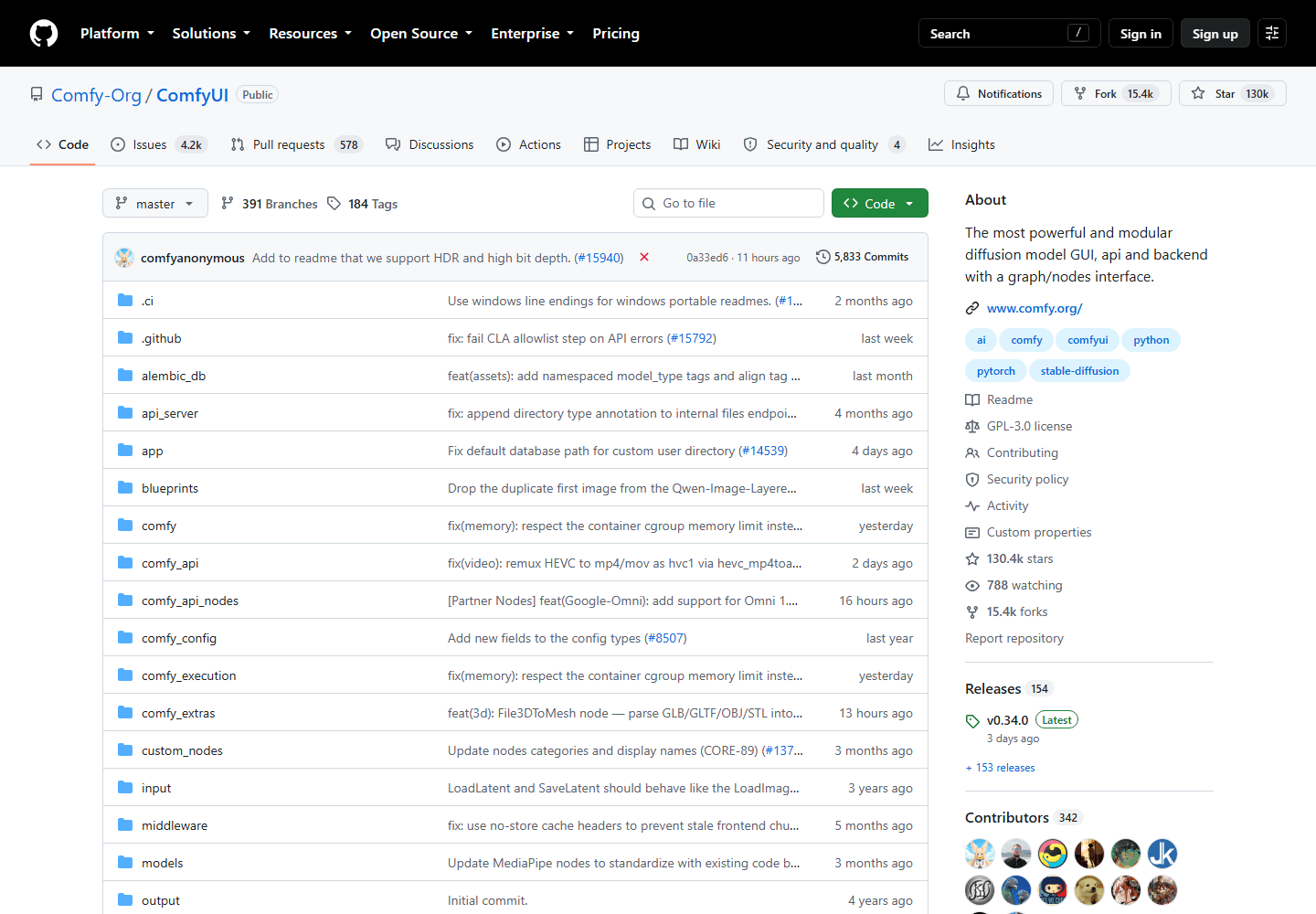
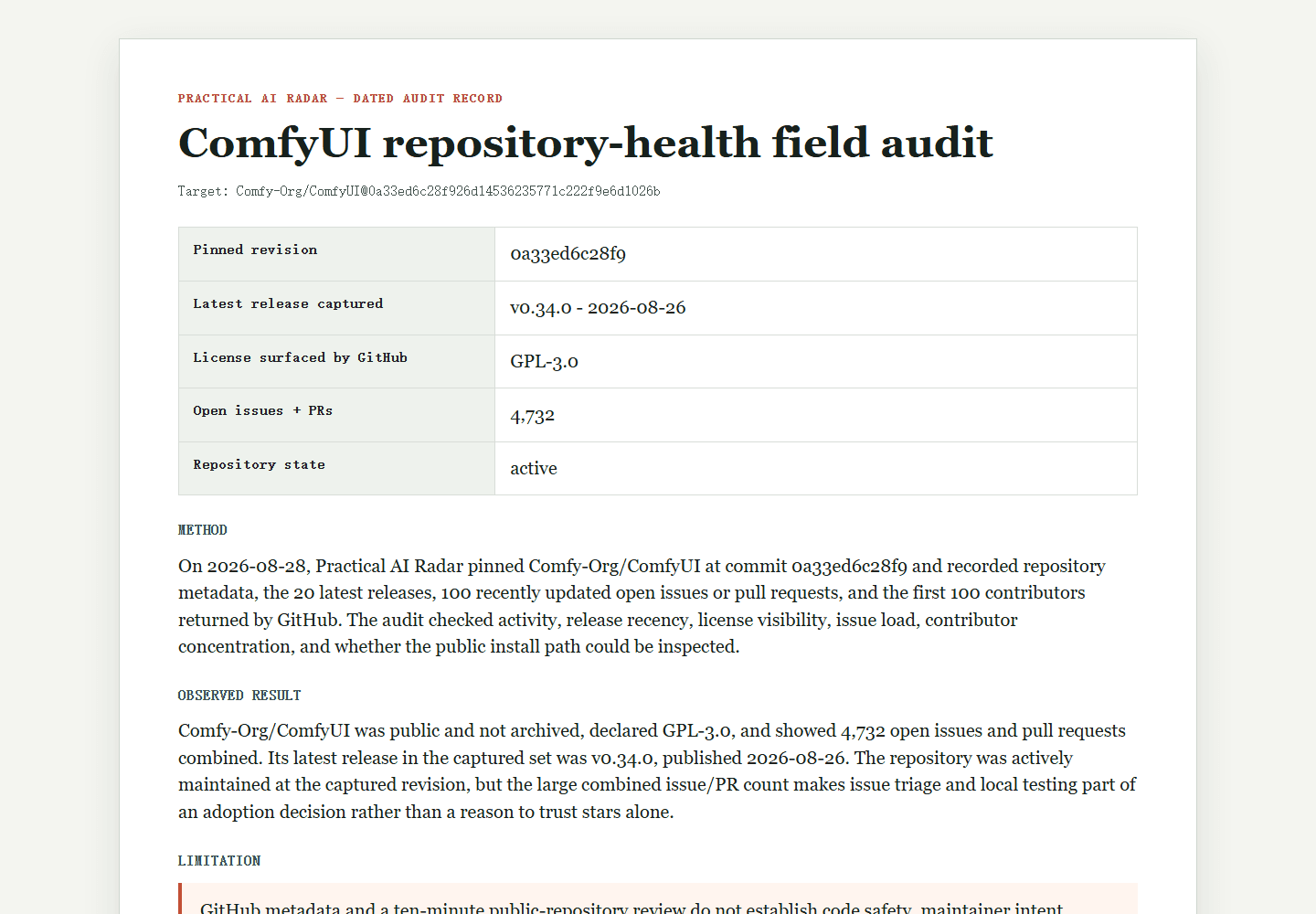
A star count records attention, not an adoption decision. Before adding a dependency, spend ten minutes gathering five repository signals and writing down what remains unknown. This is an initial triage method, not a security audit or a forecast of whether the project will survive. The public-source worksheet linked below is a dated example; its observations should not be treated as current repository statistics.
Releases: look for a rhythm, not a number
Open the Releases page and compare release dates with the project’s own maintenance policy. GitHub releases attach notes and assets to tags, but the release date and tag date need not match. A mature, stable library may need few releases; an actively changing application may need frequent ones. Sparse notes or a long unexplained gap are reasons to inspect the changelog and recent changes, not proof that a project is unhealthy. Save the release URL and date you actually observed.
Do the maintainers answer anyone?
Open Issues, sort by most recently updated, and read ten entries. Look for labels, linked pull requests, maintainer replies, and unresolved user-impacting reports. Then inspect some closed issues and external pull requests. This convenience sample can reveal how maintainers communicate, but it is biased toward recently active threads and cannot establish an average response time. Distinguish issues from pull requests when quoting counts, and record the sample rule beside your conclusion.
Bus factor
Open Insights → Contributors and inspect recent changes as well as the full history. Concentration in one author identifies a continuity question; it does not reveal whether that person is paid, available, or supported privately. Ask who can review, release, and respond to incidents. Multiple contributors are useful context, but commit counts do not establish multiple active maintainers or guarantee durability. Your fallback plan matters more than a fixed contributor threshold.
Security posture is the one that becomes yours
Inspect SECURITY.md, public security advisories, dependency-update pull requests, and the project’s documented dependency controls. GitHub Dependabot alerts have restricted access; a public visitor cannot assume an empty or inaccessible alert view means there are no vulnerabilities. Mark unavailable evidence as unknown. OpenSSF Scorecard can add automated signals, whose individual findings and observation limits still need review. Whether a vulnerable dependency affects you depends on the affected version, reachable code, and deployment context.
Licence, and whether the repo still lives here
Confirm the license and obligations fit the proposed use. Without a license, do not assume open-source reuse rights: default copyright restrictions apply, alongside platform terms and applicable exceptions. GitHub visibility alone is not permission to redistribute or incorporate code. For an important or ambiguous license decision, get qualified review. Also check archived status, transfers, and canonical package links so the source you inspect is the one your installation will consume.
What a high star count hides
Stars accumulate attention over time, while release notes and issue discussions expose more recent activity. They answer different questions. A popular project can still have unresolved operational risks; a quiet project can be stable and appropriate. The checklist is an editorial way to organise investigation, not a validated model that predicts the next six months. Record conflicting signals instead of collapsing them into a confident forecast.
A hypothetical two-minute example: a library has 12,000 stars, an eight-month-old release with sparse notes, recent maintainer replies on the sampled issues, two visible contributors, no public disclosure policy, and an MIT license. The private Dependabot alert state is unknown. This is a fictional combination for practising the checklist, not a measurement of a named repository. It suggests follow-up on releases and security reporting; it does not establish that adoption is safe.
Scoring it
Rate each signal green, amber, or red:
| Signal | Reassuring evidence | Follow-up needed |
|---|---|---|
| Releases | Explained cadence and useful notes | Unexplained gap or unclear changes |
| Triage | Sampled reports receive useful responses | Important reports remain unresolved |
| Continuity | Named release and review owners | Ownership or fallback unclear |
| Security | Public disclosure route and documented controls | Missing policy or unaddressed public advisory |
| License | Obligations fit the proposed use | Missing, unclear, or incompatible permission |
Treat colours as triage notes, not a pass/fail security score. One critical mismatch can be enough to stop adoption; several uncertain signals may instead justify a narrow prototype with no sensitive data. Before a major version bump, repeat the checks relevant to your use and compare dated records. A review should say what evidence would change the decision, who owns that follow-up, and how to replace the dependency if maintenance stops.
Write the one sentence that matters
End the 10-minute review with a short note you can paste into a decision log: "I would depend on this project for X, but not for Y, because of Z." For example, a repo may be fine for a prototype but not for authentication, billing, or data export. Save the release date you checked, the license, the latest maintainer response you saw, and the one risk that would make you revisit the choice. This small habit stops future-you treating a two-year-old impression of a repository as current evidence.