Experiment: 12 October 2026. Article prepared 14 October 2026 with AI assistance; reader-package revision 17 October 2026; published 21 October 2026. No experiment was rerun for publication.
We gave OpenSSF Scorecard a workflow whose checkout reference was forty zeroes. Its Pinned-Dependencies check returned 10. The same fixture also received 10 for the other two checks we selected. That result is useful precisely because the reference was fabricated: the observed score did not establish that the action could resolve or the workflow could execute.
This guide follows the result back to the inputs. It gives a reader a controlled comparison to inspect before interpreting a green badge, plus a practical record for deciding what remains untested.
What actually ran
On 12 October, we executed the official OpenSSF Scorecard v5.5.0 Linux amd64 binary through Ubuntu WSL against seven synthetic directories. Each invocation selected Dangerous-Workflow, Pinned-Dependencies and Token-Permissions. An eighth invocation requested Branch-Protection on local input.
These were actual Scorecard executions. No GitHub Actions steps ran, and no real repository was assessed. The directories contained deliberately small inputs, without a repository's complete code, history or remote settings. This is a test of selected analyser behavior in one environment.
The executable version, input files, predictions, commands, stdout, stderr and exit codes are retained in the experiment directory. The vendor binary is not included in this review package.
Change one thing, then inspect every check
The baseline workflow used write-all token permissions, the mutable checkout @v4 tag, and a pull-request title inserted directly into an echo command. All three selected checks returned zero. We then changed one property at a time.
| Fixture | Dangerous-Workflow | Pinned-Dependencies | Token-Permissions |
|---|---|---|---|
| Baseline | 0 | 0 | 0 |
| Read-only contents permission | 0 | 0 | 10 |
| Checkout commit pin only | 0 | 10 | 0 |
| Quoted environment-variable input only | 10 | 0 | 0 |
| All three changes | 10 | 10 | 10 |
| Combined, but fabricated zero pin | 10 | 10 | 10 |
| Directory without a workflow | -1 | -1 | -1 |
The three isolated changes moved their corresponding checks from 0 to 10 while leaving the other two at 0. That is stronger evidence about this fixture than changing all three properties at once and attributing the improvement to whichever change seems most plausible.
The permissions change replaced write-all with contents: read. The pin change used the recorded checkout v4.2.2 commit, 11bd71901bbe5b1630ceea73d27597364c9af683. The quoting change passed the title through an environment variable and used it as a quoted printf argument. Inspect the combined workflow alongside the baseline and isolated cases.
These are fixture edits, not a universal workflow recipe. A real job may need a different permission set. A quoted value still reaches the invoked program, whose behavior matters. Changing a syntactic pattern does not establish that all injection paths or supply-chain risks have been removed.
The fabricated pin is the counterexample
For the sixth fixture, we retained the combined changes but replaced the checkout reference with forty zeroes. Its high pinning score survived. The raw result and input workflow let the reader inspect both sides.
The actionable question is therefore not only whether a reference looks pinned. Does it identify the intended repository and commit, and can the intended job actually use it? Resolve and review the real reference, then test the workflow under its intended permissions before relying on the change.
The original experiment recorded an official GitHub tag-API lookup for the real example pin. The upstream reference and release checksum have not been independently confirmed for this article. Treat that lookup as the experiment author's evidence, and resolve the reference yourself before executing it.
Exit zero, low score and unavailable are different outcomes
All seven fixture scans exited 0. That includes the baseline's three zeros and the no-workflow directory's three -1 values. Successful command execution did not mean that the fixture passed a security review.
The no-workflow values are inconclusive. The additional Branch-Protection invocation exited 1 with an Unsupported RequestType error and no JSON result. It supplies no positive or negative evidence about a real project's branch protection. Those settings need evidence from the actual hosting service.
Keep the exit code, each requested check's presence, its score and its explanation as separate fields. If a check is unavailable, leave that question unresolved rather than converting it to a pass. An aggregate over these three selected checks is not interchangeable with a complete Scorecard scan.
Turn the finding into a decision about your dependency
Before scanning a real dependency, write down how it will enter your system: a copied snippet, build-time tool, runtime library or service with credentials. Record the source or release identity, privileges and network access you intend to grant. These facts determine which scanner findings deserve investigation first.
For each material finding, retain four items: the raw observation, the relevant input or upstream configuration, your exposure, and a concrete next action. For the fabricated-pin fixture, that action is reference resolution and a workflow execution test; the high scanner score cannot replace either. For a token-permissions finding, compare required operations with the proposed permission set.
Choose whether to investigate, mitigate or stop, and record who owns the action. Refresh the decision when the dependency version or its privileges change. A higher score alone does not answer whether the intended integration became safer.
Inspect the records without repeating the experiment
Download the reader evidence package, extract it, and open index.html to inspect the inputs and raw results. With Node installed, run `node check-files.mjs` from the package root to compare the exported file list, sizes, hashes and copy map. This checks file integrity only: it does not run the original semantic validators, re-evaluate recorded assertions or execute a Scorecard binary, workflow, HTTP fixture or model call.
The later preservation check pins the 653-byte version output, including its final blank line. That check belongs to the complete historical package; the smaller reader export retains the plan and version bytes but does not execute that check. That anchor was added after the original audit; it was not secretly part of the initial experiment plan. The preservation plan states that timing explicitly.
The reader guide explains the original environment and how to inspect the records. A new execution needs the WSL setup and a separately obtained binary. Use a new output directory and retain failures. The export is self-contained for its file consistency check, not a runtime installer or a replacement for the complete historical validation suite.
Where this evidence stops
The original download record matched the archive against the official release API digest and checksum file. Those share an upstream trust source. Neither the original work nor this article validates attestations, signatures or a reproducible build. The unsigned manifests detect inconsistency; a complete, self-consistent rewrite can still tell a different story.
The process received no authentication variables. A network-namespace preflight was denied, so the experiment was not network-isolated and did not measure traffic. No security certification, production reliability finding or upstream endorsement follows from these results.
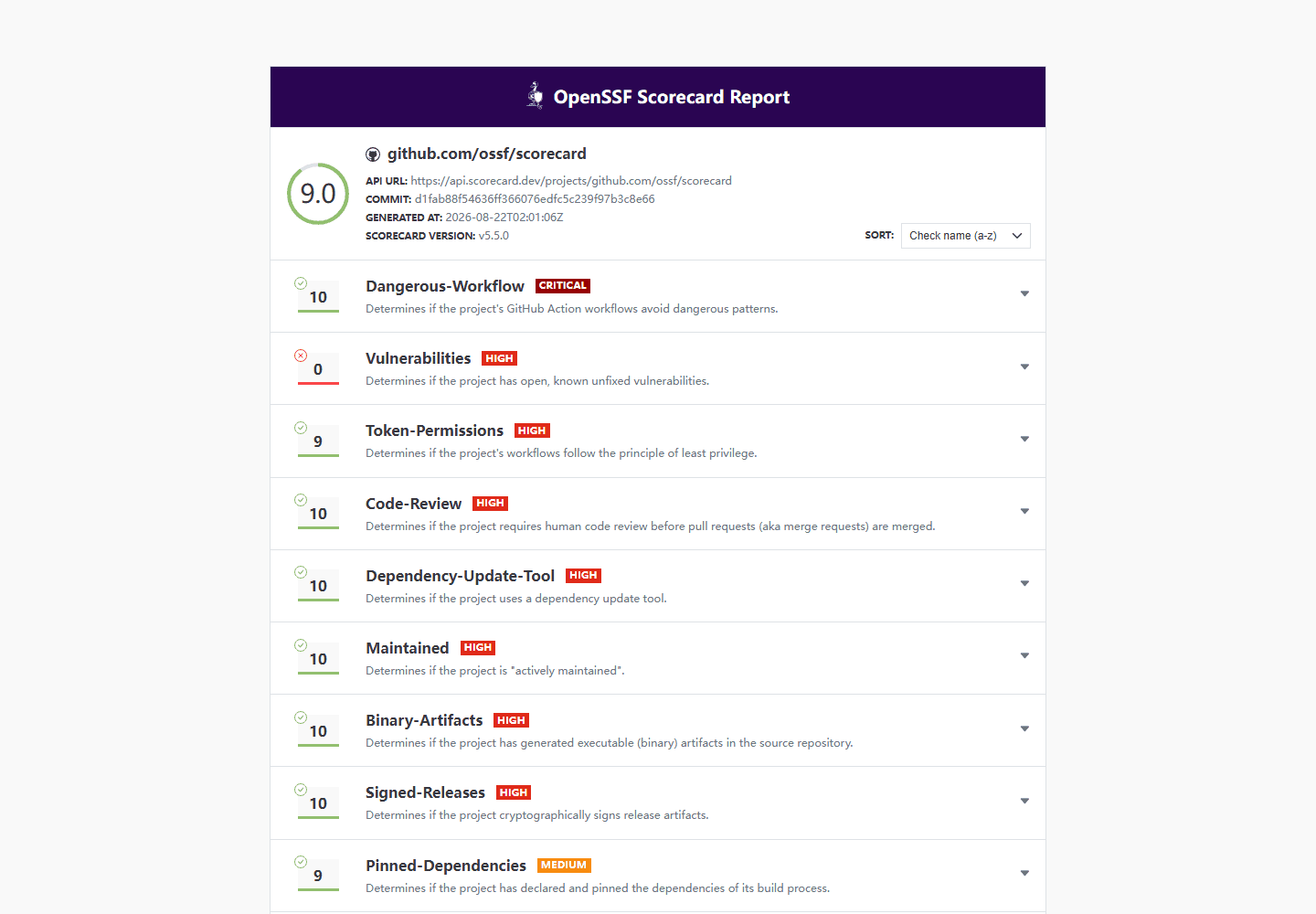
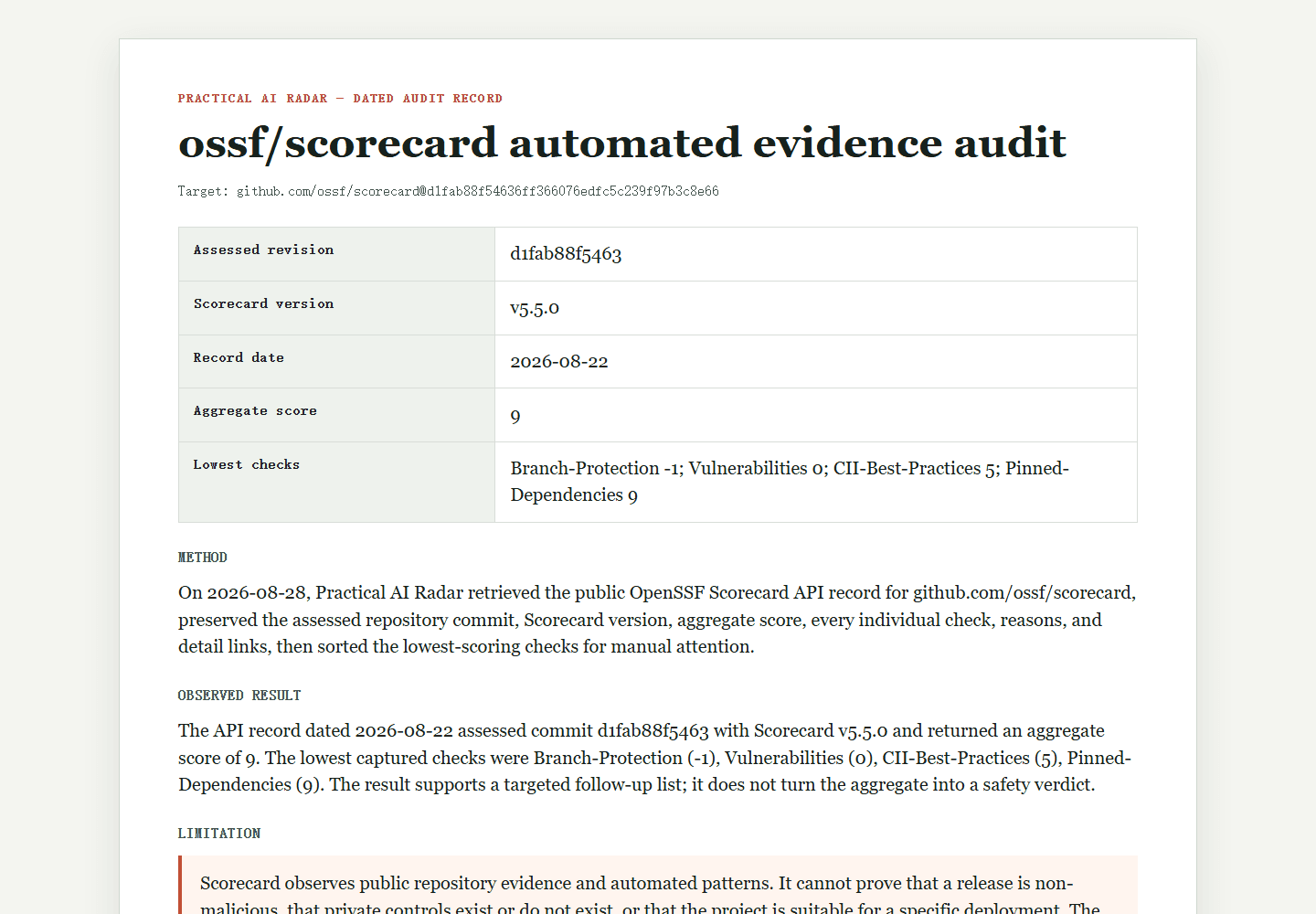
The guide's older package remains an upstream API snapshot and interpretation. It is not a local CLI run. The version published on 21 October 2026 adds a separate dated local experiment; it does not turn the older snapshot into a runtime record.
Official references retained from the original experiment: Scorecard v5.5.0 release, checks at the recorded tool commit, and checkout tag reference. The source record preserves the original retrieval dates and limitations.