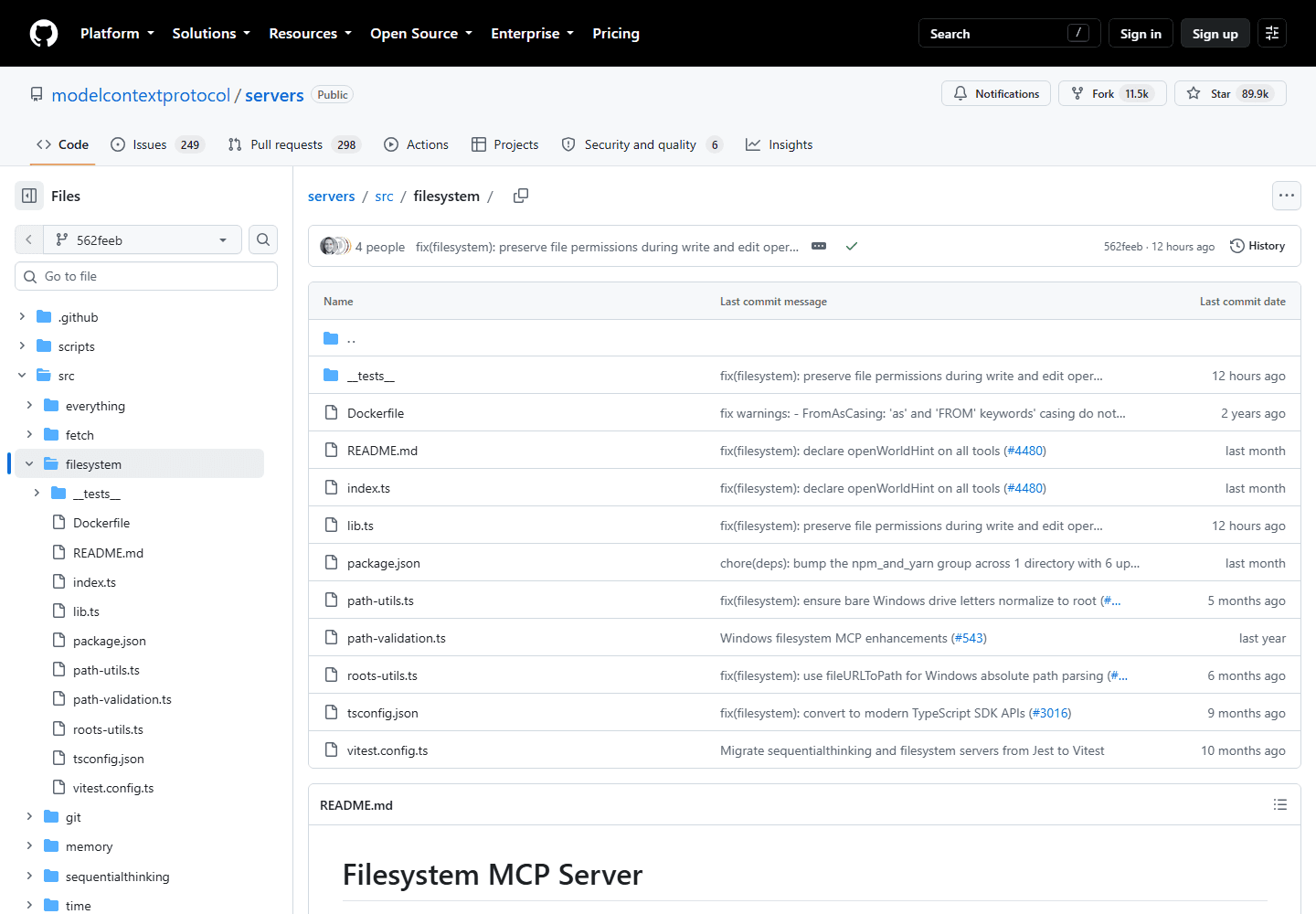
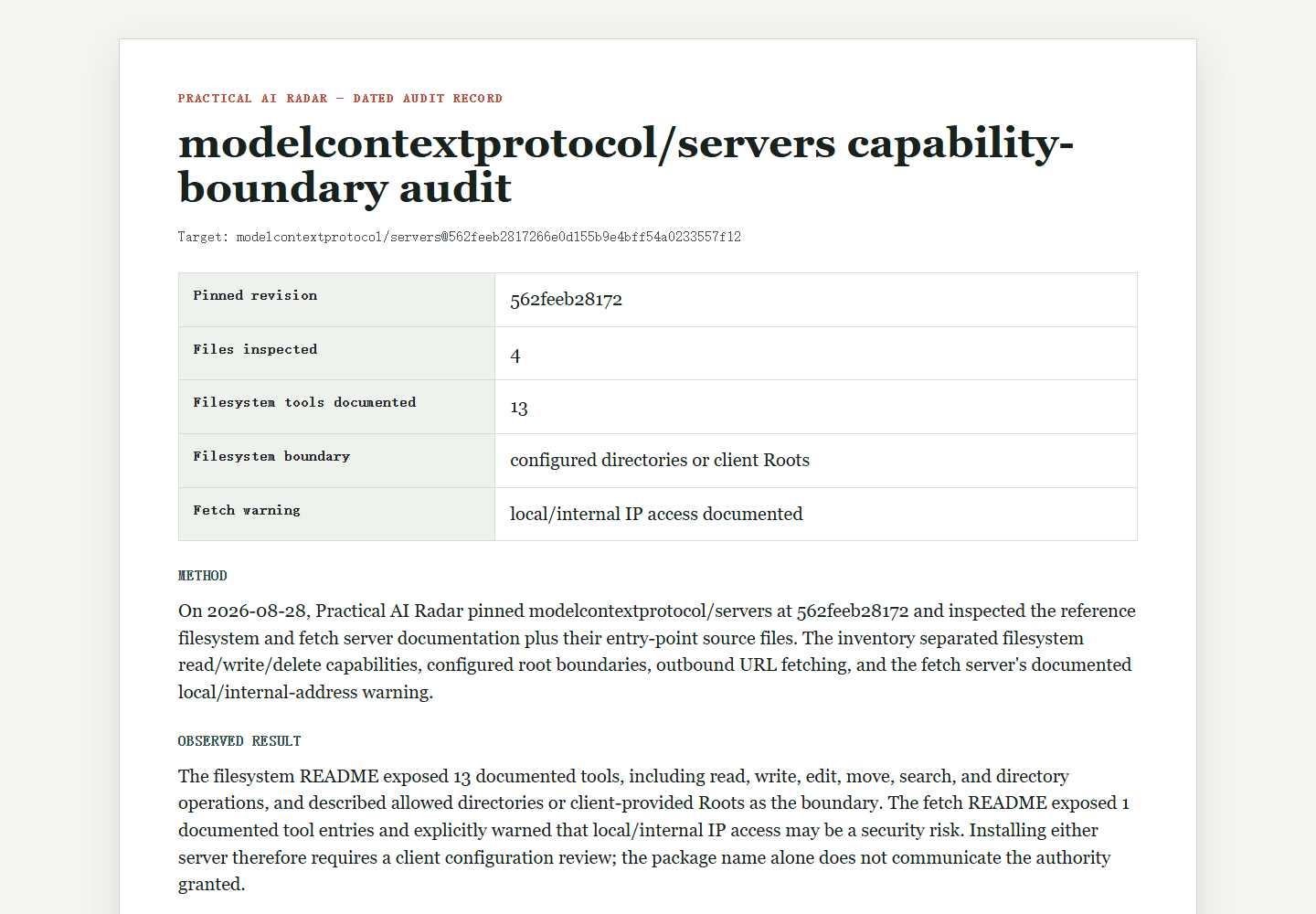
An MCP server can make useful capabilities available to an AI client, but the friendly tool name in the client is not the security boundary. The server process may read local files, call remote services, inherit environment variables, or perform writes with the credentials you provide. The official reference-server repository explicitly describes its examples as educational rather than production-ready. Treat installation as a small integration review: enumerate side effects, reduce authority, test denial, and keep an artifact showing exactly what was connected.
Executed filesystem boundary check: 8 October 2026
The earlier source review left runtime denial behavior untested. We closed a narrow part of that gap by running @modelcontextprotocol/server-filesystem version 2026.8.31 through an MCP client on Windows x64, Node 24.13.0. The server received one allowed directory and no client Roots capability. All files contained disposable synthetic markers; no personal files, account tokens, or model calls were used.
| Case actually run | Expected outcome | Observed outcome |
|---|---|---|
| Read a fixture inside the allowed directory | Return its marker | Marker returned |
| Read a fixture in an outside sibling directory | Deny | Denied without returning its marker |
| Reach the outside file through a parent traversal | Deny | Denied |
| Read through a Windows junction pointing outside | Deny | Denied because the target was outside |
| Create a file inside the allowed directory | Permit | File created and independently read back |
| Overwrite the outside fixture | Deny and preserve original | Denied; original content unchanged |
All six expected outcomes were observed. The package advertised 14 tools, but this test exercised only read_text_file and write_file. A pass here supports this particular configured-directory boundary; it does not justify connecting the server to a real home directory, private documents, or credentials.
Reproduce the run
Use an empty working directory and the same Node version. Download the test script, package manifest, and dependency lock. Create a .local-mcp-audit folder, place the manifest there as package.json and the lock as package-lock.json, then run these commands from the working directory:
- npm ci --prefix .local-mcp-audit --ignore-scripts --no-audit --no-fund
- node reproduce-runtime-audit.mjs results.json
The script creates fresh allowed and outside fixture directories, runs the checks, preserves the actual tool responses, verifies the outside file remains unchanged, and closes the server. The recorded responses include the environment, package version, dependency-lock hash, and redacted local paths. Local fixture directories are deliberately retained for inspection.
What remains untested
This is an application permission check, not an operating-system sandbox or a security certification. We did not test concurrent path changes, every advertised tool, client-supplied Roots, Linux or macOS behavior, the fetch server, dependency safety, or newer releases. If your client supplies Roots, repeat the test with that configuration before granting it useful access.
The server behind the directory listing
Record the canonical repository, package name, version or commit, maintainer, license, release channel, and installation command. Confirm that the package being installed maps to the repository you inspected. Look for recent ownership changes, archived status, generated install scripts, and dependencies fetched from elsewhere. Popularity and inclusion in a directory do not establish production suitability.
Write the intended use in one line: “read issues from one test repository,” for example, is a boundary. “Help with GitHub” is not. List the data classes involved: public source, private source, customer data, credentials, local documents, or deployment controls. If the use cannot be stated narrowly, do not connect a broad account to discover what the server does.
What side effect sits behind each tool?
Inspect the server’s tool definitions and implementation. Build a table that separates the visible action from the authority behind it.
| Tool or resource | Reads | Writes | Network destination | Credential |
|---|---|---|---|---|
| repository search | selected repository | none expected | Git provider API | read-only token |
| issue creation | prompt and repository state | issue content | Git provider API | issue-scoped token |
| local file lookup | configured directory | none expected | none | operating-system access |
Check whether arguments can select a different repository, path, host, or account than the one shown in the UI. Look for shell execution, arbitrary URL fetching, path traversal, redirect handling, symlink behavior, and logs that include tokens or document contents. Tool descriptions are claims; implementation and an isolated run are evidence.
Why use a disposable identity?
Use a disposable account, repository, directory, or project. Create a credential with the smallest documented scope and a short lifetime. Do not reuse a browser session cookie or a broad personal token. Keep secrets outside command-line arguments and source files, and verify where the client stores server configuration.
For local files, create a test directory containing one allowed file and one decoy secret outside the boundary. For network services, create one allowed project and a second project the token should not access. The negative case matters: a successful read only proves that access works; a denied read supports the boundary for that tested input and configuration.
Test three requests: allowed, denied, and ambiguous
Run a harmless read with expected output. Then request an out-of-scope path or resource and preserve the denial. Next, phrase an ambiguous instruction that could cause a write and check whether the client asks for confirmation, the server rejects it, or the operation proceeds. Never test destructive behavior against real data.
Capture the server version, client version, configuration with secrets removed, tool list, process permissions, outbound destinations, and observed results. If the server uses OAuth, verify the official flow and audience rules; the MCP security guidance warns against token passthrough and confused-deputy designs. A token issued for one service must not silently become a credential for another.
The connection needs a process boundary
Run the server as an unprivileged user or inside an appropriate container or sandbox. Mount only required directories, preferably read-only. Restrict outbound network access where practical. Avoid inheriting the full parent environment. Separate read-only and write-capable servers so a useful search tool does not automatically gain modification rights.
Define an approval step for consequential writes and show the destination before execution. The model’s intent is not authorization. The server must enforce access controls independently, and the human interface should make account, resource, and side effect visible.
Updates change the reviewed artifact
An unchanged repository URL does not guarantee an unchanged package. On update, compare the lockfile or package metadata, install scripts, newly introduced dependencies, requested scopes, tool list, and outbound destinations. Preserve the previous known-good package or image digest long enough to roll back. If the client updates servers automatically, disable that behavior for privileged integrations or place updates behind a staging profile. A review tied only to a project name expires as soon as different code is installed under that name.
Can the connection be revoked quickly?
The adoption record should state the pinned version, permitted tools, identity and scopes, local mounts, network allowlist, denied test results, log location, owner, and refresh triggers. Include how to revoke the credential and remove the server configuration. Recheck after a version change, new tool, new maintainer, client update, or broader data access.
The result may be “use only in the disposable lab,” which is a valid decision. An MCP server becomes appropriate for real work when its authority is narrower than the task, denial works, and another person can reproduce the review without trusting a directory listing or an appealing demo.